

frankla
Members
-
Joined
-
Last visited
-
might as well rebuild your system.
-
same here
-
frankla replied to F.Alonso22's topic in Video Hardware: Monitors | Multi-Monitors | Video Cards | Drivers etcframe generation on 4070i is doubling my frame rates.
-
bump
-
-
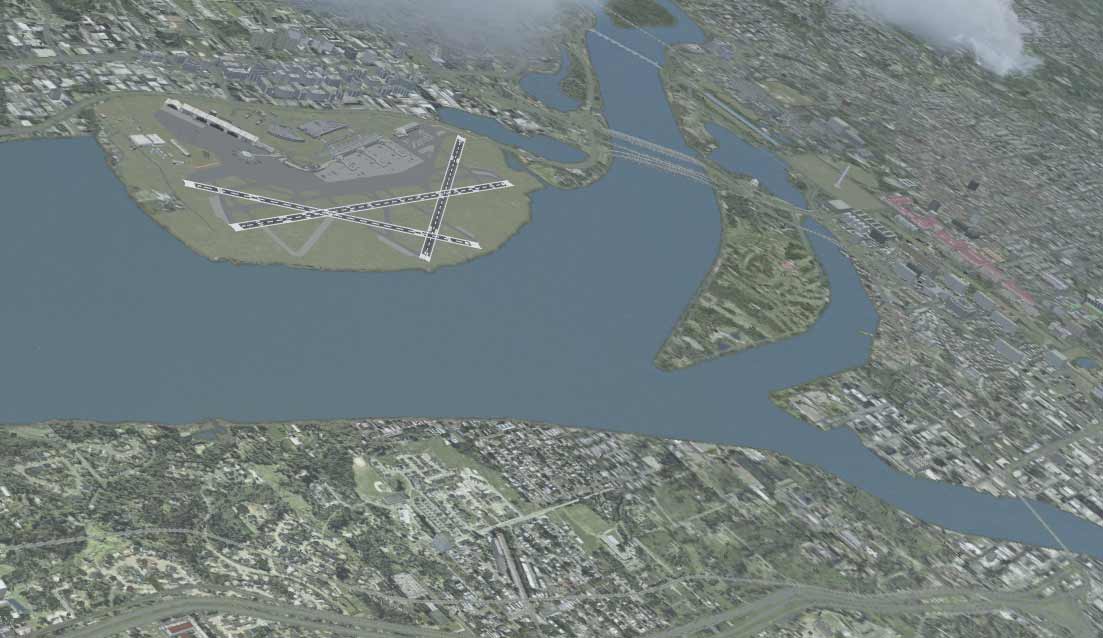
Well, I saved the image at very low resolution. I have a feeling that when visibility is low as it was in this flight (10 miles), it doesn't cover the runway markings.
-
Runway markings stand out too much. I have attached a screenshot below. Is this normal? Anyway to reduce the effect?
-
Thank you Jim, I should try to explain this better. The sim starts normally. It only gets messed up when the sim is stopped (not paused) . This only happens after when simulation is stopped such as for instant replay or after an aircraft crash. Then after the graphics gliches start, the start-up screen also gets messed up. But this is not limited to start up screen. Another thing that happens is that all my 3D objects disappear. The only way to fix it is to restart FSX. I only have acceleration installed which includes SP2. No hard drive noises either.
-
After a long absence I am starting FSX again. I know my system is kind of old now, but my understanding is that FSX is not going to take advantage of current advances in GPU and CPU. Nevertheless, I was wondering if any upgrade to any components of my system will give me extra performance in FPS. i7 920 Bloomfield. OC'd to 3.8ghz, 12 MB of Triple Channel Memory 8 8 8 24 NVIDIA GTX275 Windows 7 64bit Thank you in advance Frank
-
-
-
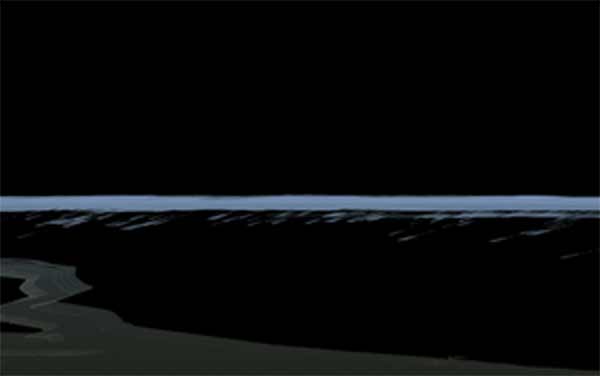
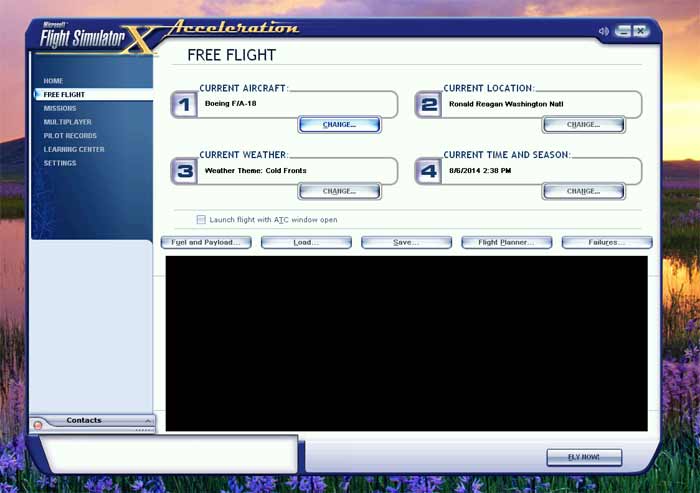
I keep getting flashing black skys and textures often after I press certain keys such as full flap ke (F8) or try to start instant replay (1st image). The problem will exist until I restart the sim and even the opening screen will show black everything (second picture). Following is the information about my rig and FSX. FSX Accelaration (SP2), UT GEX USA i7 920 OC to 3.8ghz NVidia GTX275, Driver 331.82 12 MB Triple Channel RAM Windows 7 64bit
-
Flying IS only safer than driving when commercial airline statistics (Per passenger seat/mile) are compared. However, general aviation flying is tremendously more dangerous than driving. Recognizing and understanding the dangers of flying and separating the attitude needed for flying from that of driving is vital for safe flying. "Flying out of Danger", a book which explains the risks and avoidance of dangers about flying should be a required read for anyone contemplating getting their pilot's license. It starts with dispelling the myth that flying is safer than driving. This perpetual misinformation is a disservice to all and is, in and in itself, a contributing factor in many tragic deaths because it causes student and new pilots to take wrong attitudes into flying. I will even go further to dare say that there are people with certain personalities that should never even try getting their pilot license. For example, if you are type that most often makes a left turn against upcoming traffic that cuts it too close for most other people in the same situation, you do not belong in an airplane. My two cents on this.
-
It had been a long time since I frequented the Screen Shot Forums. I was really surprised and disappointed that there are barely any Flight screen shots. Perhaps we should be allowed and encourage posting them here!!?
-
No..that is something they fixed in MS Flight


